
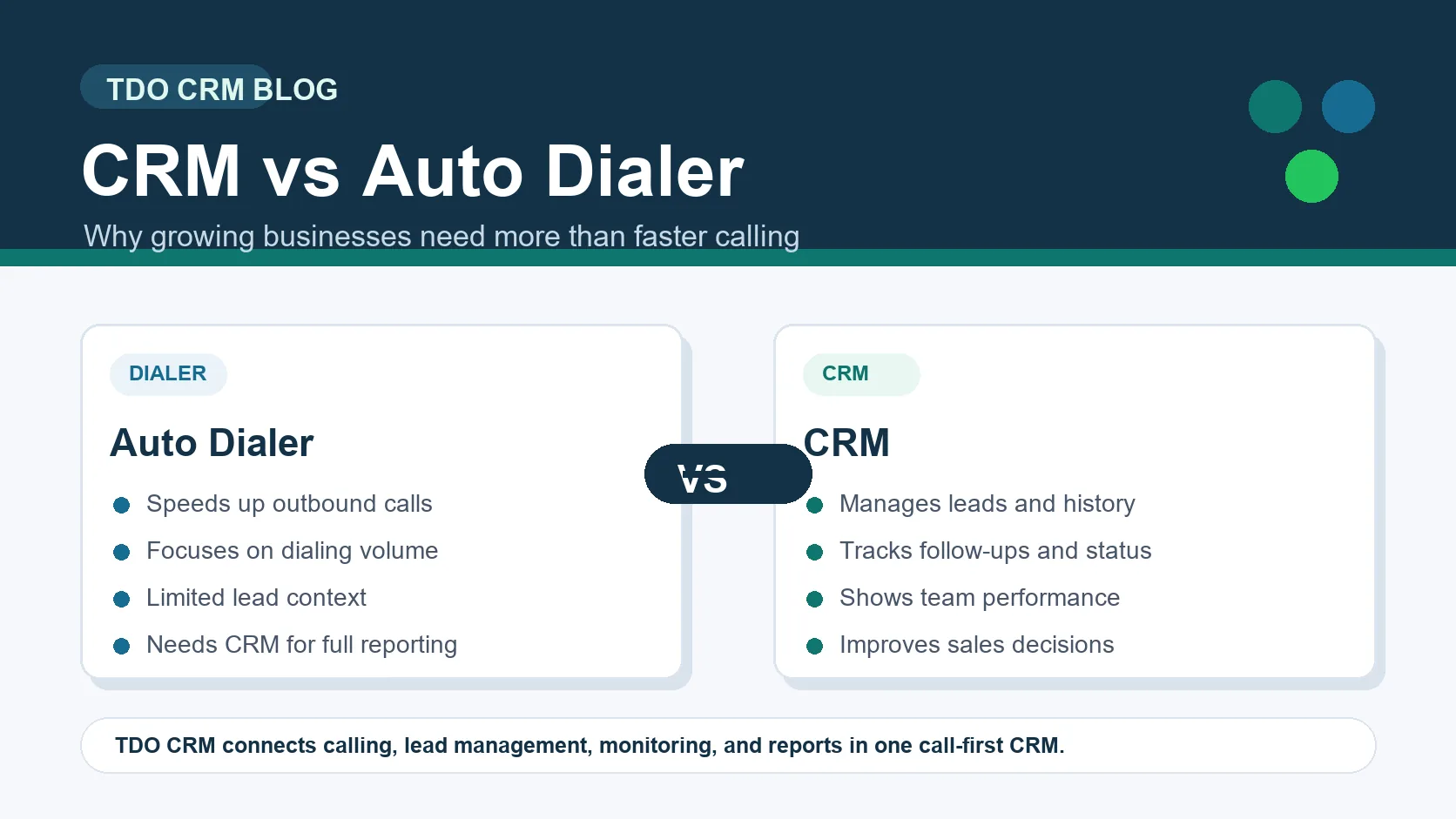
Many businesses compare CRM software with an auto dialer because both are connected to sales calling. But they solve very different problems. An auto dialer mainly helps a team make calls faster. A CRM helps the business manage leads, track customer history, control follow-ups, monitor team activity, and improve sales decisions.
If your business only wants to increase dialing volume, an auto dialer may look attractive. But if you want to know which lead was called, what happened in the conversation, who is responsible for the next follow-up, and how the team is performing, you need a CRM.
CRM vs auto dialer: the basic difference
A CRM, or customer relationship management system, is designed to manage the full customer journey. It keeps lead details, call history, notes, status, follow-up reminders, reports, and team accountability in one place. An auto dialer is a calling tool that automates or speeds up the dialing process, usually for outbound calling teams.
What is an auto dialer?
An auto dialer is software that automatically dials phone numbers for a sales or calling team. Its goal is to reduce manual dialing time and increase the number of outbound attempts. This can be useful for campaigns where the main requirement is speed and volume.
- It can reduce manual dialing effort.
- It can help teams make more outbound attempts.
- It is useful for campaign-style calling.
- It does not automatically solve lead management, follow-up discipline, or business visibility.
What is a CRM?
A CRM is a business system for managing customers, leads, sales activity, follow-ups, and team performance. A good CRM gives managers and owners a complete view of what is happening before, during, and after every customer interaction.
- It stores lead details, source, status, owner, notes, and history.
- It tracks calls, responses, follow-ups, and next actions.
- It helps managers monitor team activity and performance.
- It gives the business reporting visibility for better sales decisions.
Why businesses need CRM today
Today, sales teams work with more leads, more channels, faster customer expectations, and higher competition. A business cannot depend only on memory, spreadsheets, or daily verbal updates. Without CRM visibility, hot leads can be missed, duplicate calls can irritate customers, and managers may not know where the sales process is breaking.
- Leads need ownership, status, and follow-up clarity.
- Customers expect teams to remember previous conversations.
- Managers need real activity data, not only manual reports.
- Owners need visibility into sales effort, team performance, and conversion leakage.
- Businesses need a repeatable process instead of person-dependent working habits.
Where an auto dialer alone falls short
Calling faster is helpful only when the team also has lead context, clear follow-up ownership, and reliable reporting. If a team makes more calls but does not update lead status, track customer response, or schedule the next action, the business may get activity without control.
- More calls do not always mean better conversions.
- Dialing speed cannot replace lead history and notes.
- Managers still need reports to understand quality, not just quantity.
- Follow-ups can still be missed if they are not connected to the lead record.

How TDO CRM helps businesses
TDO CRM is built as a call-first CRM for businesses that depend on phone conversations, lead follow-ups, and sales team monitoring. It helps businesses go beyond simple dialing by connecting mobile call tracking, lead management, follow-up reminders, duplicate detection, live team visibility, and performance reporting.
- Call tracking: incoming, outgoing, missed, no-answer, busy, and connected calls can be connected with CRM activity.
- Lead management: teams can organize customer numbers, notes, status, source, owner, and next action.
- Follow-up discipline: hot leads do not depend only on memory or personal reminders.
- Team monitoring: managers can review active, connected, idle, and not connected users.
- Reports: owners can understand call volume, talk time, connection quality, and performance trends.
- Duplicate control: repeated lead confusion and wasted calling effort can be reduced.
Recommended workflow for growing businesses
- Use CRM as the central place for all leads and customer history.
- Track calling activity so managers can see real work instead of only manual updates.
- Set follow-up rules for hot, warm, cold, missed, and pending leads.
- Monitor team activity daily, but use the data for coaching and process improvement.
- Review reports weekly to identify conversion gaps, inactive users, and missed opportunities.
CRM or auto dialer: which one should you choose?
If your only requirement is faster outbound calling, an auto dialer may help. But if your business wants long-term sales control, better customer handling, stronger follow-ups, and team accountability, CRM should be the foundation. For most growing businesses, CRM is not optional anymore because it becomes the system that connects people, leads, calls, and reports.
Frequently asked questions
Is an auto dialer the same as CRM?
No. An auto dialer mainly helps with dialing speed, while a CRM manages leads, customer history, follow-ups, team activity, and reports.
Can a business use both CRM and auto dialer?
Yes. Some teams use both, but CRM should remain the main system of record so calls, notes, status, and follow-ups stay connected.
Why is TDO CRM useful for calling teams?
TDO CRM is useful because it connects calling activity with lead management, live monitoring, duplicate control, follow-ups, and performance reports.
Move beyond calling speed with a complete call-first CRM.
TDO CRM helps your business connect calling, lead management, follow-ups, team monitoring, and performance reports in one practical system.
Request Demo